
Providing QGIS-Plugins in Multiple Languages
If you want to provide a QGIS-plugin in more than one language follow the steps below. The plugin will then display in the language of QGIS. Users can alter the language of QGIS (Version 3.40) in:
Settings -> Options -> General -> Override System Locale -> User interface translation
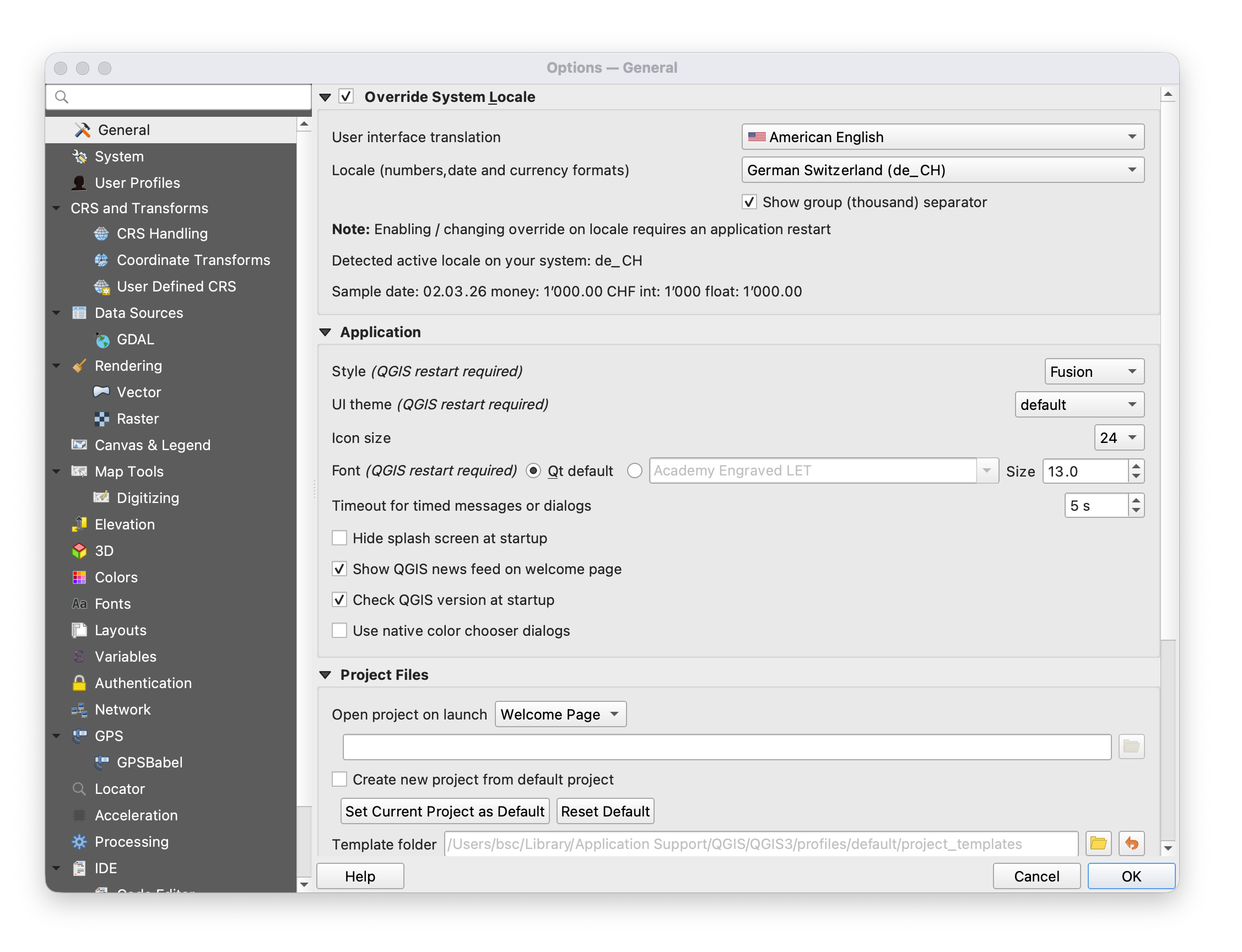
The following steps are necessary:
1. Mark text in UI and code as translatable
In Python code you mark a string by feeding it to the QGIS translator object:
my_string = QCoreApplication.translate(context: "context_of_this_string", sourceText: "the string to be translated")
For strings in the UI you need to open the according .ui file in QDesigner (or Designer, the app's name may differ), select the element to be translated, and make sure that "translatable" is check in the entry 'text' of the category QLabel, QAbstractButton, or wherever you find this entry (depends of the UI item type).
2. Create a folder "i18n"
If it doesn't exist already, create a folder "i18n" within your project folder.