
Providing QGIS-Plugins in Multiple Languages
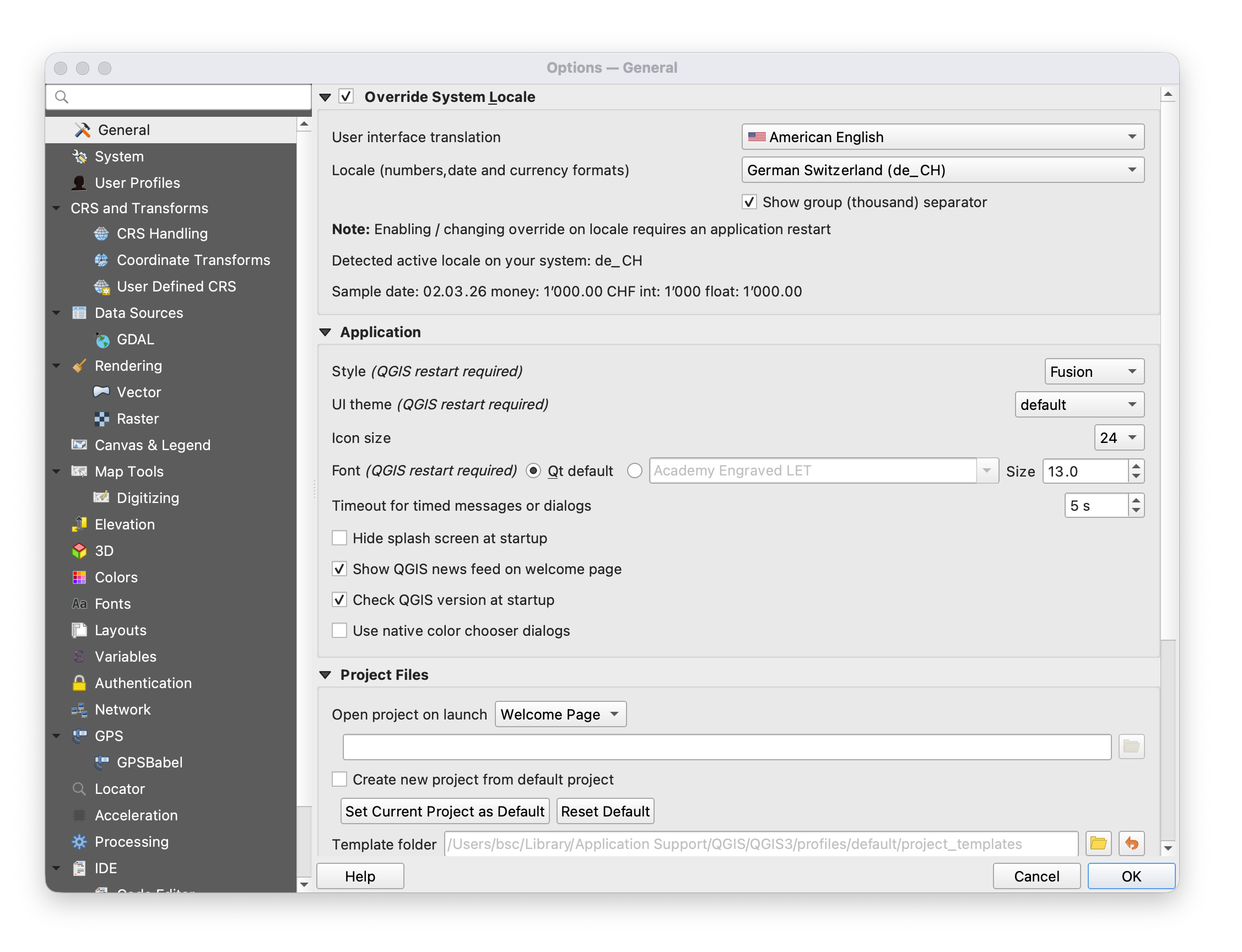
If you want to provide a QGIS-plugin in more than one language follow the steps below. The plugin will then display in the language of QGIS. Users can alter the language of QGIS (Version 3.40) in:
Settings -> Options -> General -> Override System Locale -> User interface translation
The following steps are necessary:
1. Mark text in UI and code as translatable
2. Create a folder "i18n"
3. There, create a or update the .pro file listing all ui and code files that contain translatable text
4. Generate .ts files which list all translatable text
5. Translate text in the .ts files with Linguist